Choose how you earn
- Village achievements
- Offerwalls: games, apps & other activities
- Reward campaigns & coupon codes
Build your village. Earn money.
Choose your world, gather supplies and make a little village your own. Earn RT through confirmed offers and achievement goals, with extra campaign rewards when available.
1 RT ≈ $0.0001 USD. This is a value example, not a daily earning promise. Earnings depend on the goals you complete.
Request a withdrawal to FaucetPay · BTC / LTC. Payments are checked and sent manually.
 Find your corner of the RealmVisit shared villages and discover your favourite world.→
Make a home, find your rhythm and enjoy every milestone.

Construct workshops and upgrade them with the supplies you collect.
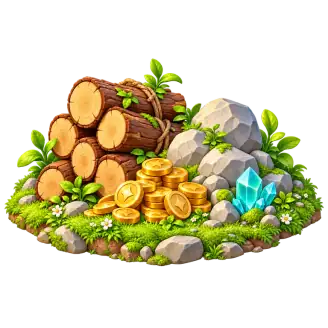
Harvest trees and rocks, then return when their supplies are ready again.
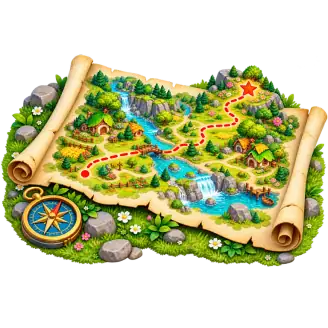
Build storage and check its limits before collecting or trading.
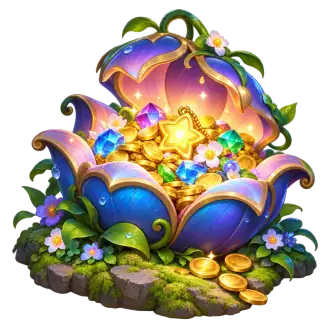
Complete achievement goals or confirmed offers, then request a payout to FaucetPay.

Use available Trading Post offers to exchange the stated supplies for Iron.
Send merchants on a timed journey and collect their stated return on arrival.
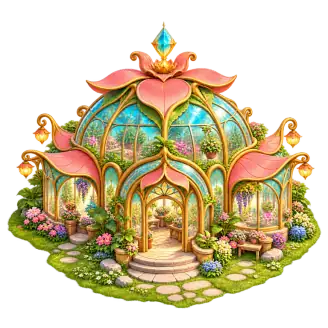
Choose a world, an emblem and a mascot for a village that feels like home.
Explore public villages and keep your favourites close at hand.
Completed producers keep working up to storage limits, and pause during upgrades.
Discover public villages and find the scenery you love.
Read published updates, discover what has changed and find your next step.
Read the journal → Questions & answers →Build at your own pace and give your village a story worth sharing.