Magical Worlds
Explore the available VillageRealm world settings using their original village artwork and descriptions.
Find the setting that feels like home. Every atmosphere comes from the Realm’s published collection.
Explore the colours, scenery and ambient details before choosing. Your world shapes the landscape, while supplies and building rules keep their own roles.
20 atmospheres to explore
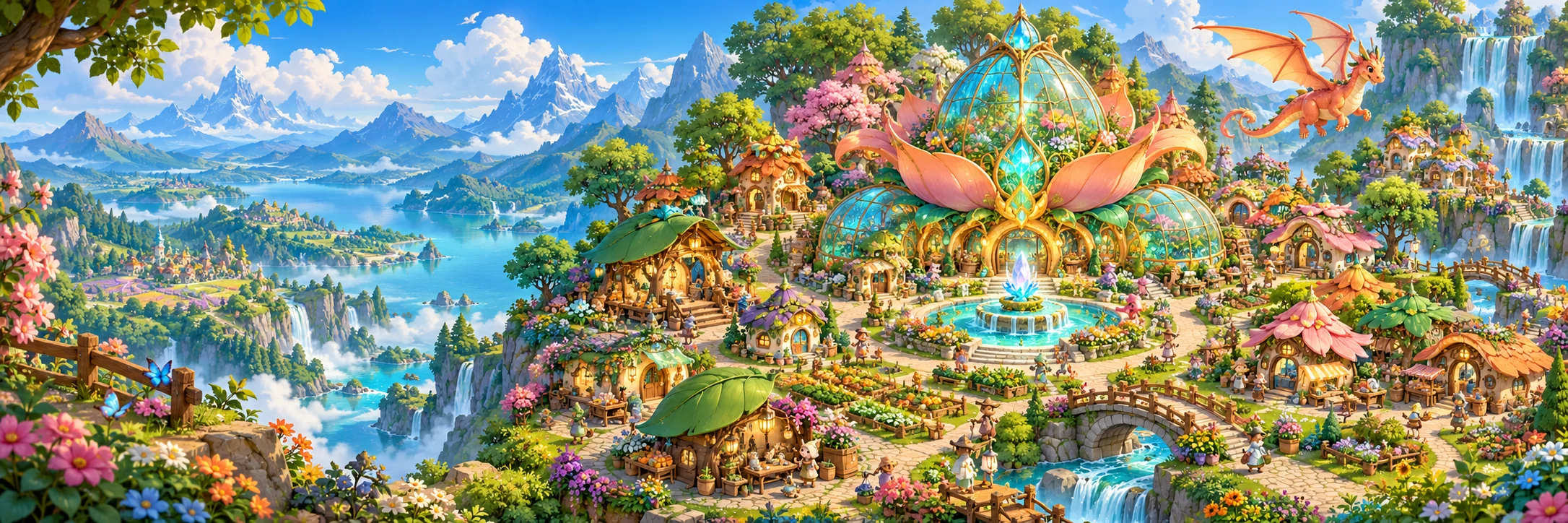
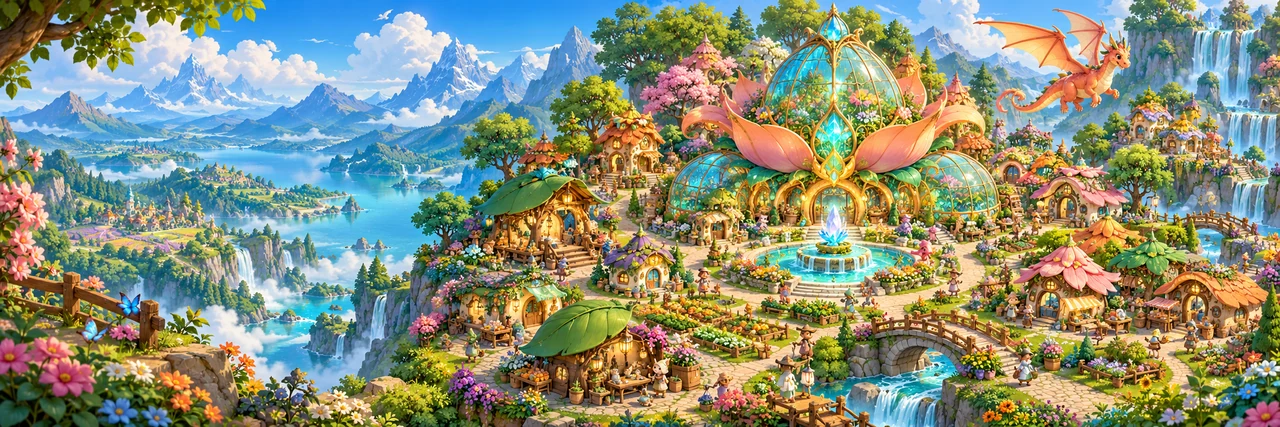
Blossom Grove
Petal-lined cottages, blossom trees and a bright garden heart.
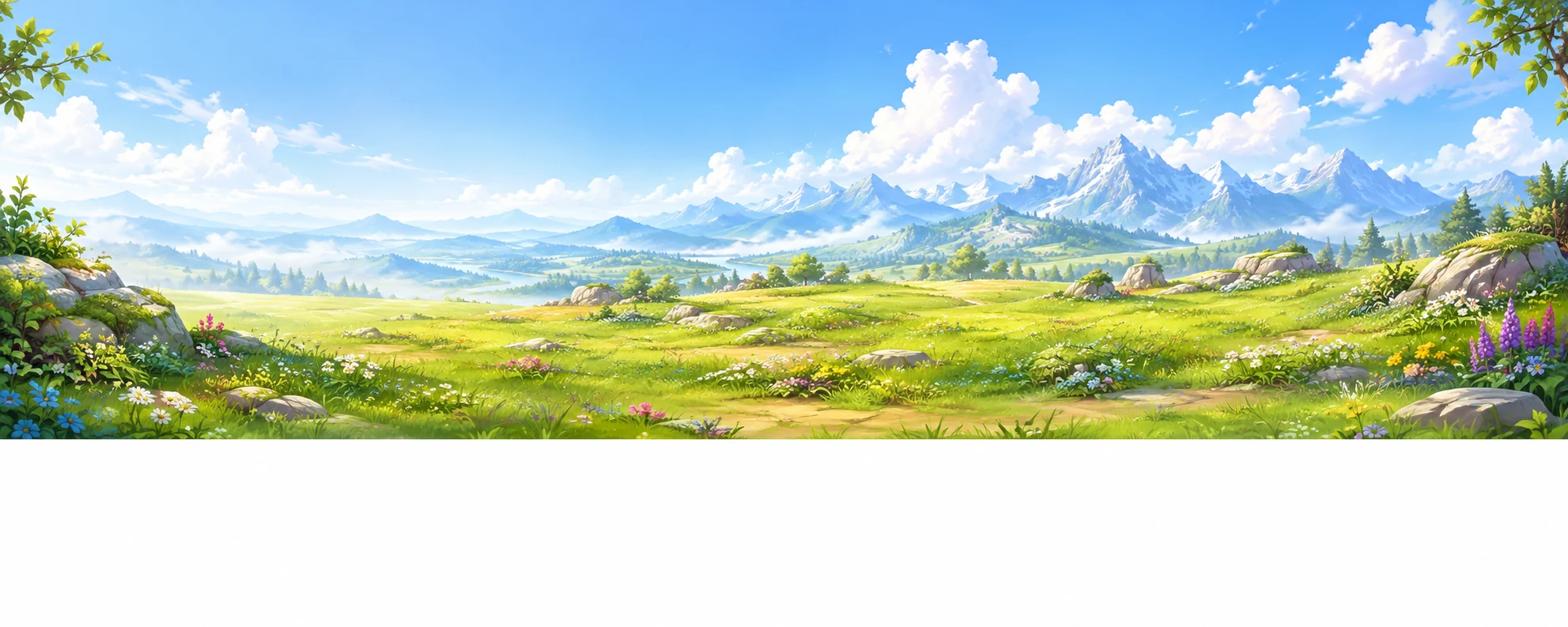
Misty Glade
A cool forest clearing with river mist, pines and pale stone paths.
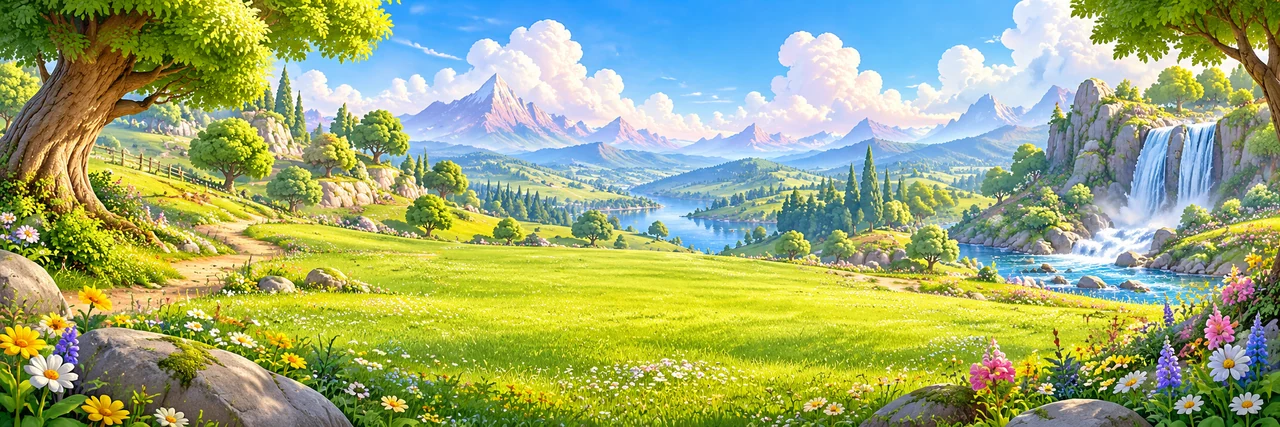
Sunlit Meadows
Open skies, golden grass and a cheerful countryside full of light.
Moonlit Vale
Lavender twilight, glowing lanterns and calm evening magic.
Crystal Springs
Turquoise waters, sparkling crystal growths and fresh mountain air.
Autumn Hollow
Amber groves, pumpkins, mushrooms and warm harvest colours.
Willow Marsh
Soft waterways, willow canopies, reeds and mossy boardwalks.
Ember Bloom
Fiery flowerbeds, braziers, copper roofs and dragon warmth.
Starlight Haven
Deep blue nights, star lamps and a dreamy celestial glow.
Honey Hollow
Golden fields, bee gardens, sunflowers and sweet rustic charm.
Frostpine Reach
Silver pines, icy blue roofs, glimmering frost and snow-swept paths.
Aurora Glade
Northern lights, soft amethyst trees and magical alpine evenings.
Coral Cove
Pearl sands, turquoise waterways and coral-tinted garden trees.
Shadowfen Hollow
Deep emerald foliage, hidden lanterns and misty ancient woods.
Rosewood Bloom
Rose-gold cottages, crimson groves and enchanted flower walks.
Jadewood Sanctuary
Jade terraces, bamboo greenery and quiet temple lanterns.
Duskwind Moor
Violet heather, windswept hills and amber windows at dusk.
Amberfall Woods
Honey-orange maples, glowing streams and cosy woodland trails.
Silvermist Gardens
Silvery willows, blue flowers and luminous moonwater gardens.
Thunderpeak
Storm-violet cliffs, striking lights and windswept ancient pines.